You're invited to shape Tucson Foodie.
You've been hand-picked as one of our first beta testers. That means you get early access to something we've been building for months — and your feedback will directly shape what it becomes.
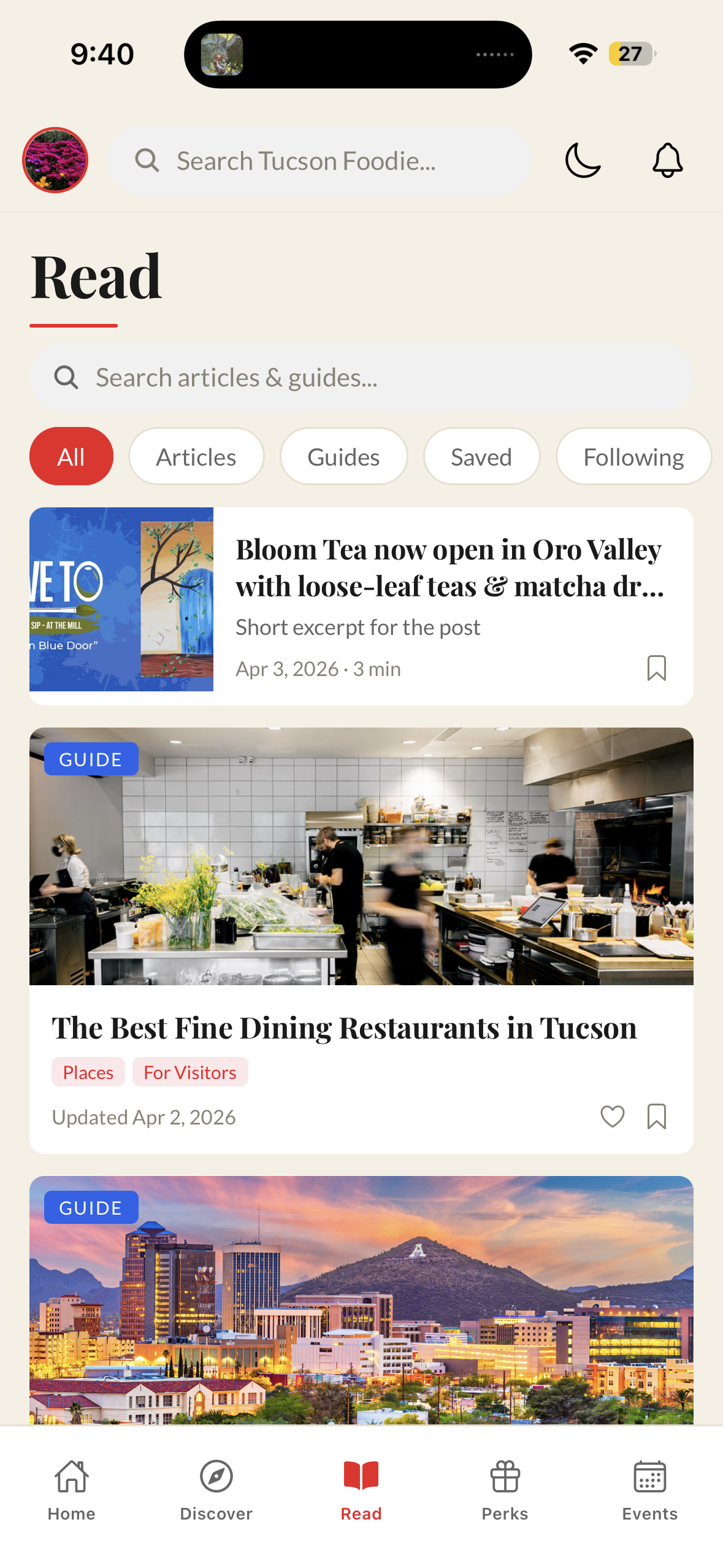
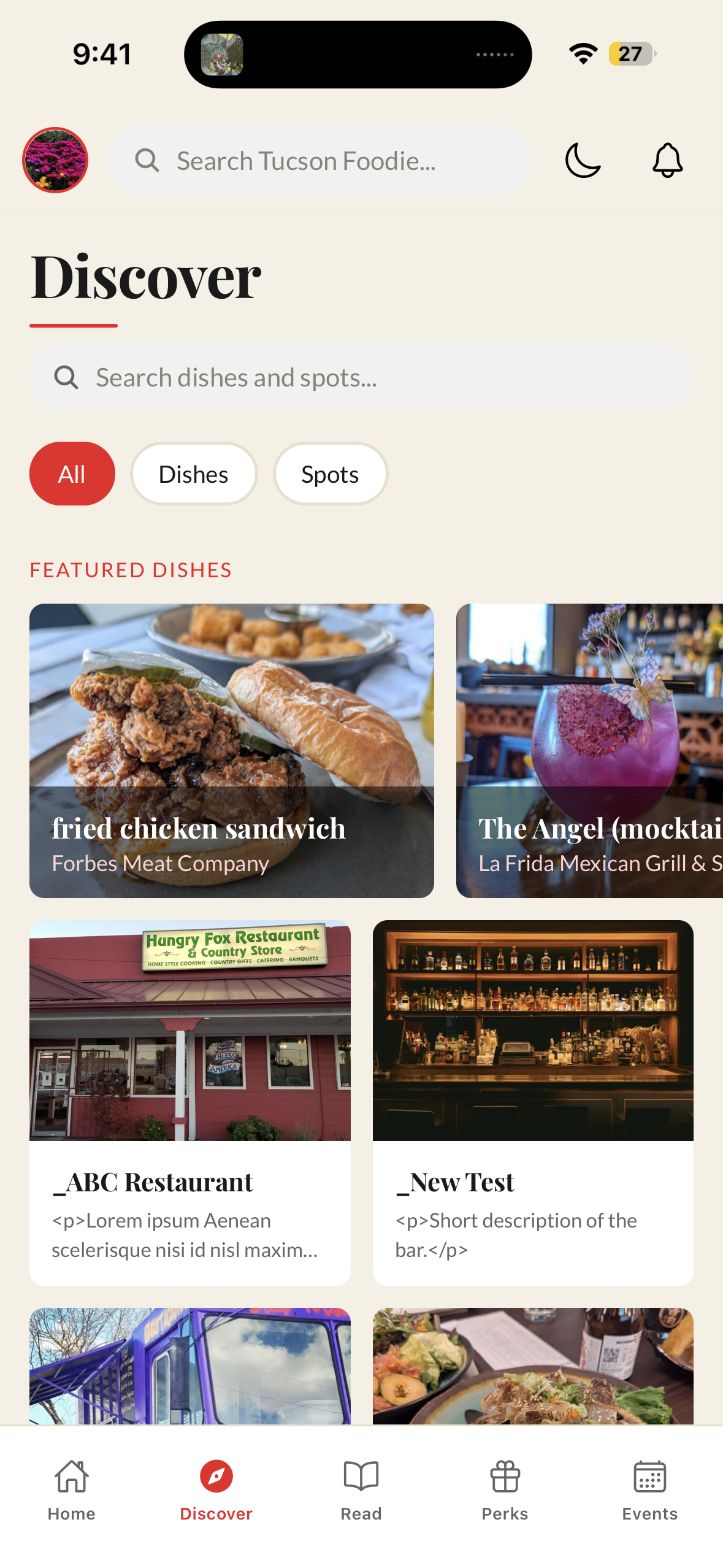
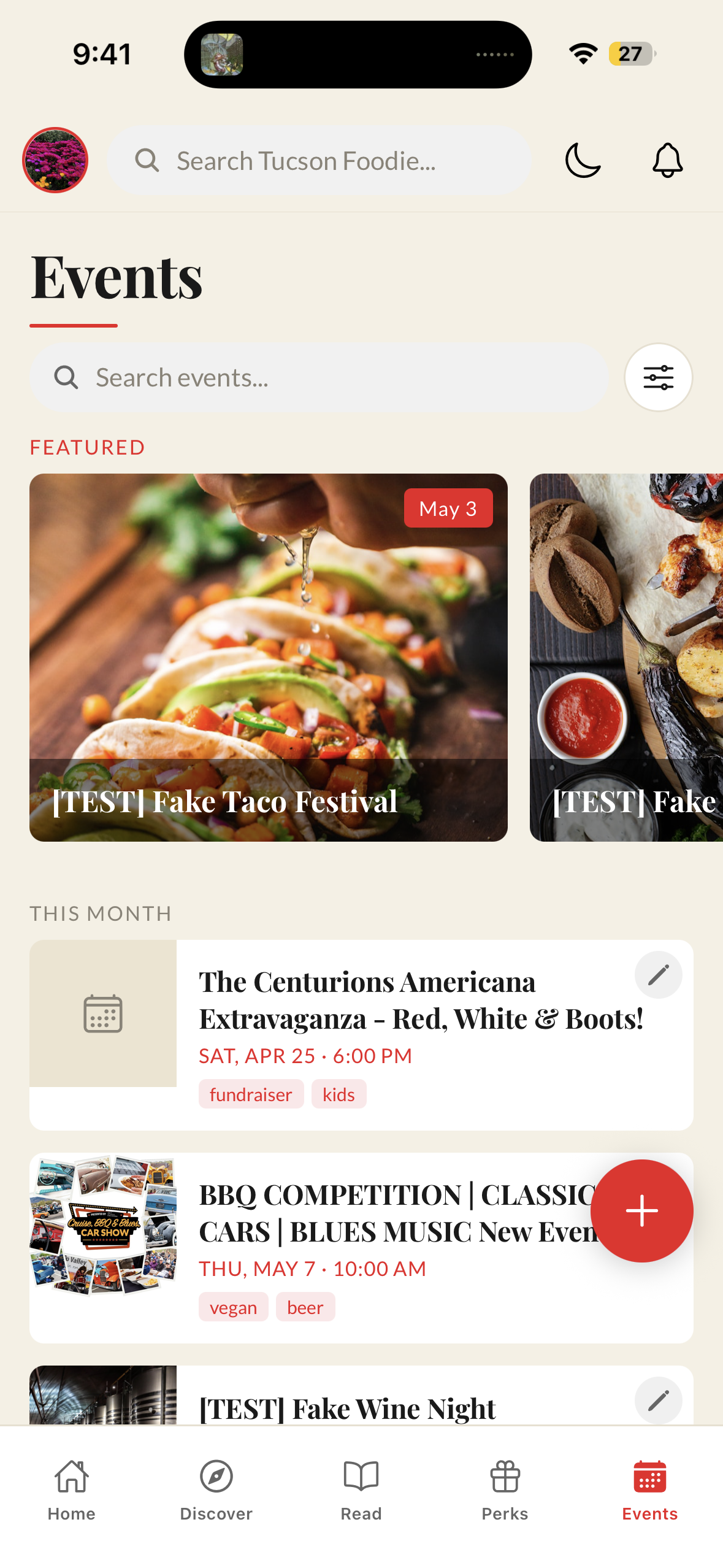
The new Tucson Foodie app
- Discover the best dishes and local spots in Tucson
- Build and share your own lists of favorite spots
- Follow your favorite restaurants and get notified when they're featured in a new guide or article
- See what's happening around town and in your neighborhood
- Get recommendations based on your favorite cuisines and dietary preferences
- Get notified when your vouchers are about to expire
- No more forgetting — get alerted when you're near a restaurant that has a voucher waiting for you
- RSVP to member events, bring a +1, and join the waitlist if it's sold out
- Fully manage your membership — pause, cancel, change billing info, download receipts, and more
See it in action
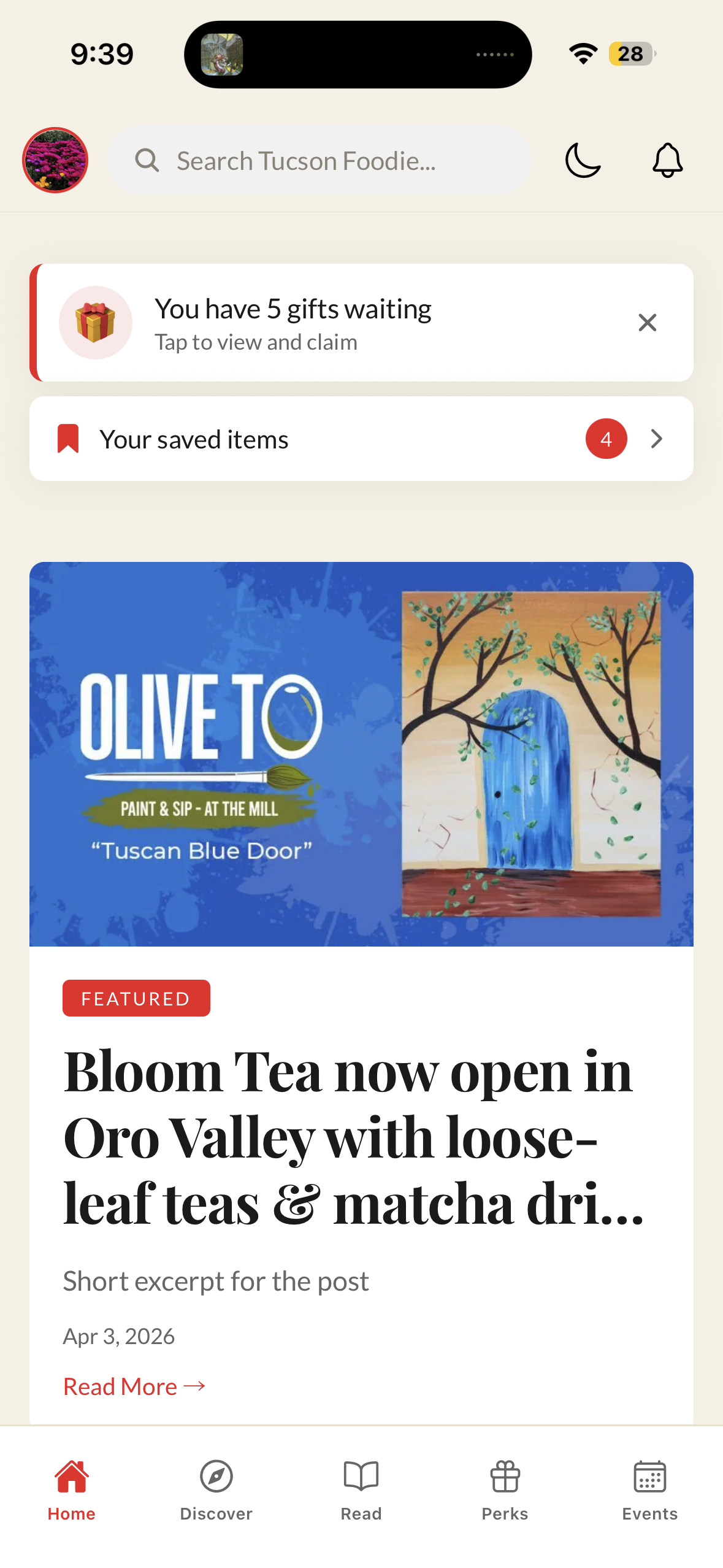
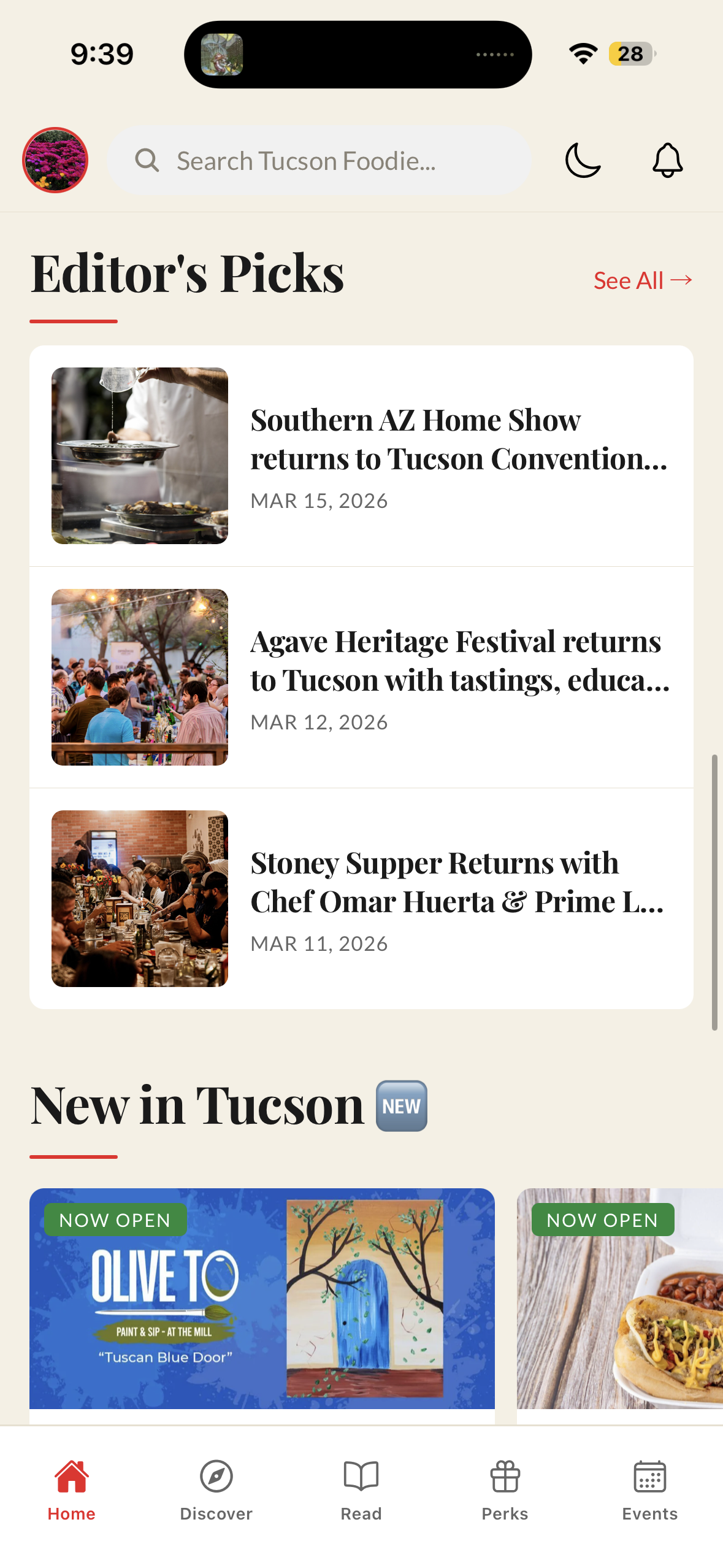
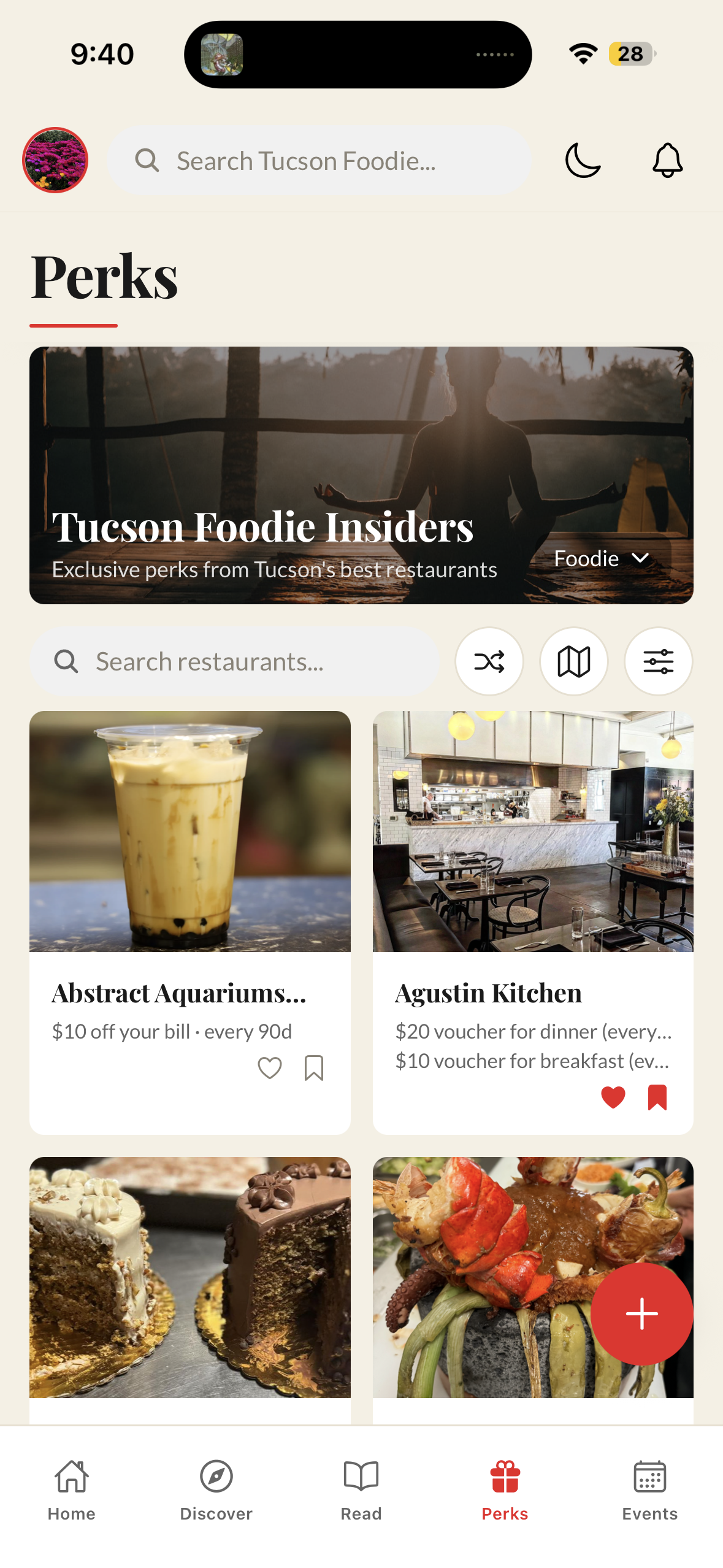
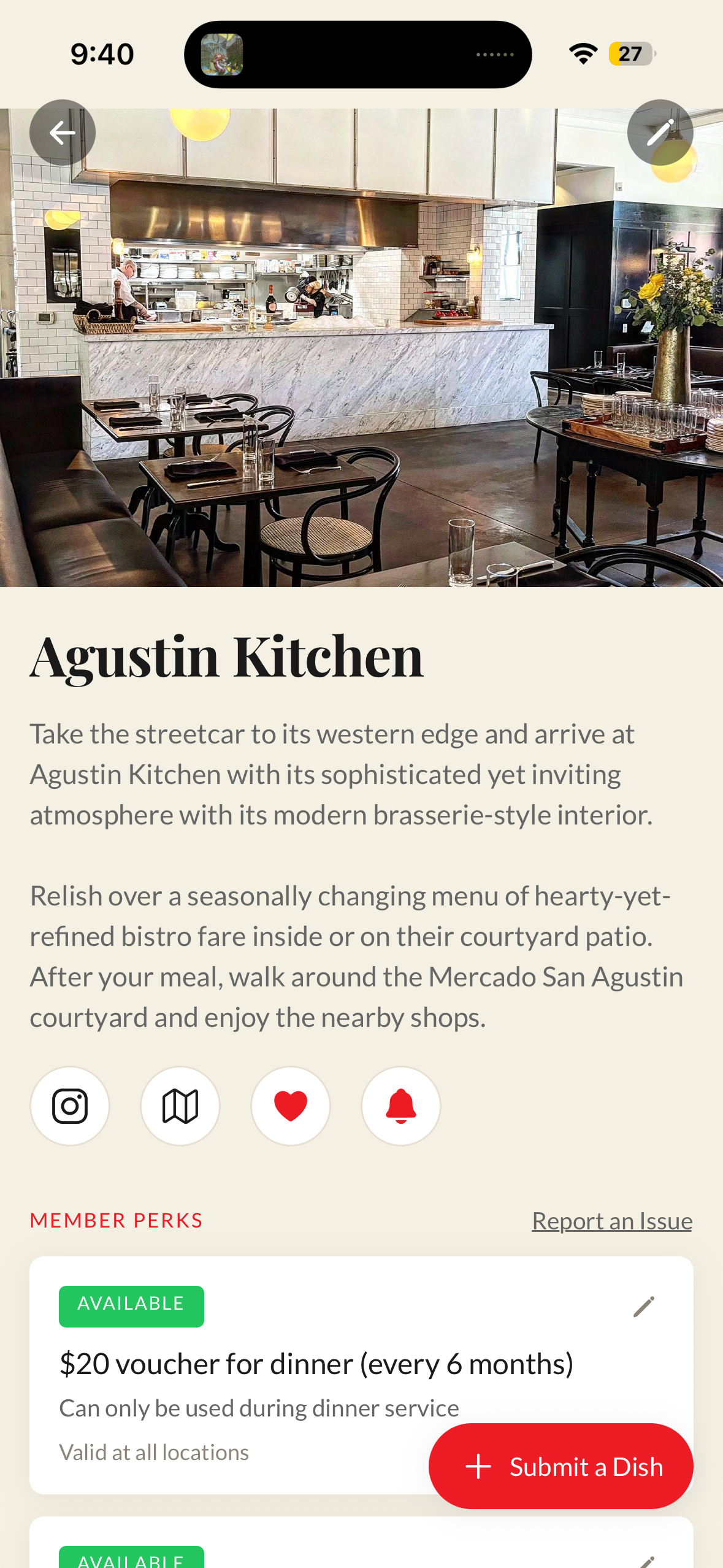
How to get started
- 1
Download TestFlight
TestFlight is Apple's app for beta testing. Download it free from the App Store.
Get TestFlight on the App Store - 2
Install Tucson Foodie
Once TestFlight is installed, tap the button below to install the Tucson Foodie beta.
Install via TestFlight - 3
Create your account
Open the app and create a free account. If you're already a Tucson Foodie Insiders member, your membership will be recognized automatically.
- 4
Explore and tell us what you think
Poke around. Break things. We want to hear everything.
What we're asking you to test
Explore freely first — we want your honest first impressions. Then, once you've had a chance to look around, here's what we'd love you to specifically test:
- Set up your profile (photo, neighborhood, food preferences)
- Browse Perks — find a restaurant you love and tap through to see the perk
- Go through the motions of redeeming a voucher (you'll see the proof of redemption screen — no need to actually visit the restaurant)
- RSVP to a member event
- Explore the Read tab — find an article or guide and bookmark it
- Check out the Discover tab — browse dishes and spots
- Tell us: what confused you? What did you love? What's missing?
How to share feedback
Reply directly to the invite email anytime — it goes straight to Shane. Or use the feedback form in the app under Profile → Send Feedback.
Your feedback will be read personally. This isn't a survey that goes into a void.